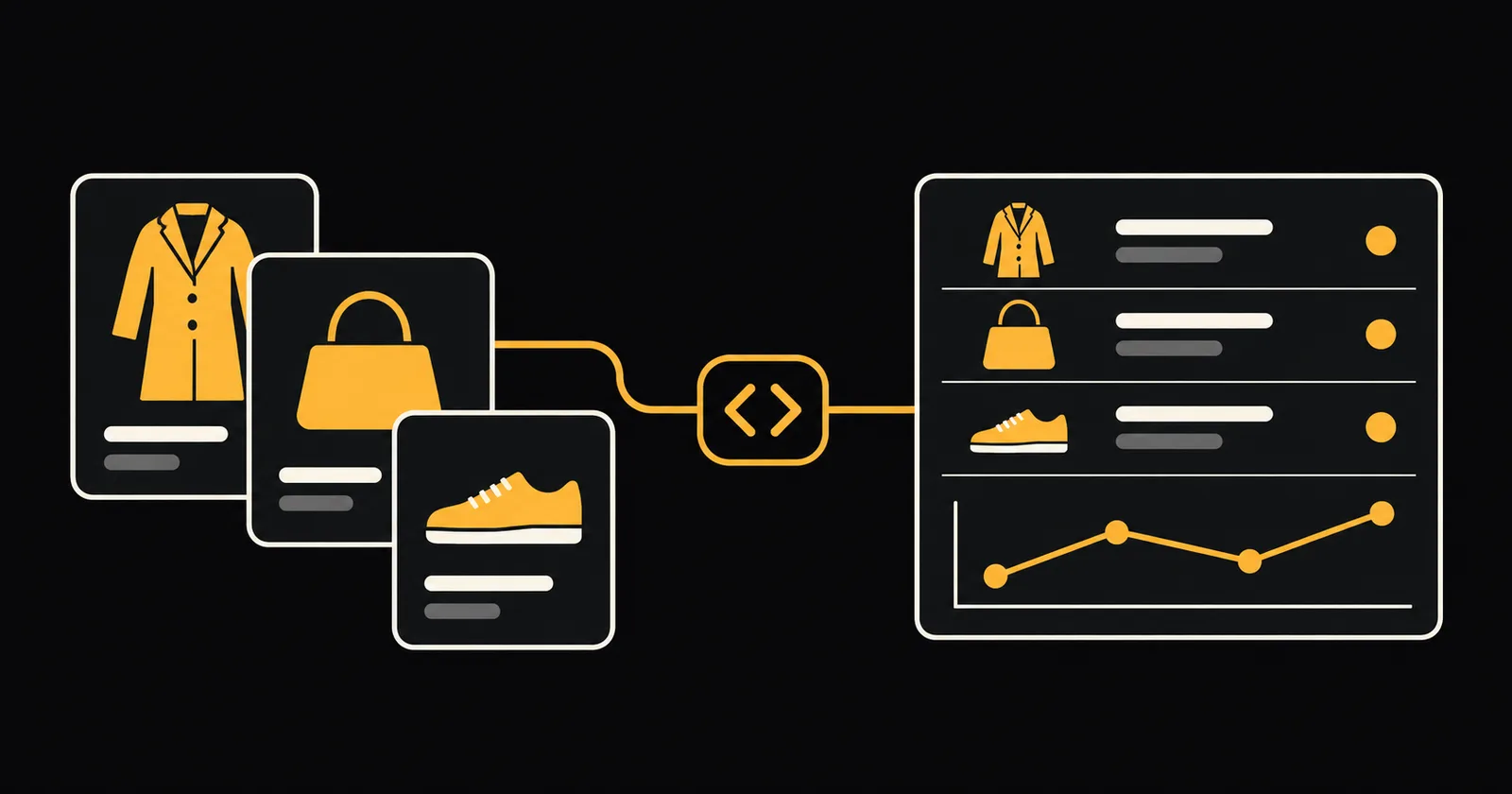
Luxury resale teams can use the KazKN Vestiaire Collective Scraper to turn public listings and sold-search results into structured data for pricing and market research. It returns fields such as price, currency, condition, brand, model, images, and seller country, ready for a file or an API workflow. Sold rows are public observations: the displayed sold price is not the private final transaction amount.
Does Vestiaire Collective have an official API?
There is no public official Vestiaire Collective API for general listing and sold-price access that we could confirm. Private or partner arrangements may exist, but they are not something a resale team should assume it can use.
The practical alternative is an unofficial API workflow built around public pages. In this article, "Vestiaire Collective API" means using an Apify actor to collect public results and then reading its dataset through the Apify API. It does not mean an API operated or endorsed by Vestiaire Collective.
This distinction matters when planning a data pipeline. The actor works with public pages without a Vestiaire login, cookies, private account data, or hidden seller data. Page structures can change, so test a small input and inspect the output before making the data part of a pricing process.
Which Vestiaire Collective scraping approach fits?
Copying listings by hand
Manual collection can work for a one-off check of a few items. A researcher can record the title, model, condition, displayed price, currency, market, and URL in a spreadsheet.
It becomes harder to repeat consistently across dozens of comparable items or recurring watchlists. Manual transcription also makes it easy to mix active asking prices with sold-search observations, or prices in different currencies and markets.
Writing your own scraper
A DIY script gives your developers control over collection, storage, and normalization. It also gives them the maintenance work: interpreting public pages, handling request failures, preserving useful null values, deduplicating listings, and updating the scraper when the source changes.
Scraping Vestiaire Collective yourself does not remove the need to review the site's terms or applicable law. Your team must also build the export and scheduling layer if the data will feed a regular pricing workflow.
Using a hosted Vestiaire Collective scraper
A hosted actor separates the collection job from your internal application. You supply JSON input, run the actor on Apify, and consume its dataset as JSON or through exports including CSV, Excel, and Google Sheets.
The KazKN actor supports active listings, public sold-search observations, product details, seller summaries, price tracking, and duplicate-review signals. It also records field provenance, stable record identity, collection timestamps, and run diagnostics. This is the option to choose when you want a maintained input and output contract rather than a script to build yourself.
How to use the Vestiaire Collective Scraper
- Open the Vestiaire Collective Scraper for listings and sold items and start with a small test.
- Set
searchTermsto a specific product, such aschanel classic flap. AddrequiredKeywordswhen every phrase must appear in the public title or model for a narrower match. - Choose
collectionMode:activefor current listings,soldfor public sold-search results, orcombinedfor both. The default isactive. - Set
countriesto["FR"]for the France market. France is the current bounded verification path. The actor offers 70 market-code input options, but that does not mean every market has identical coverage or reliability. - Keep
sellerCountriesas["ALL"]unless you need a specific public seller-country filter. A specific filter skips records where no public seller country is available. Market country, seller country, and product location are separate concepts. - Set
maxListingsto5for the first run. This caps listing-like records; filtering and deduplication can produce fewer results. If you enable details or other enrichment rows, also setmaxDatasetRecordsabovemaxListingsso the extra rows fit within the dataset cap. - Run the actor and inspect the dataset. Filter on
recordTyperather than assuming every row is a listing. For sold analysis, selectsold_itemrows whereisSoldis true.
You can then download the dataset or fetch it through the API. For recurring price observations, reuse the same trackingStoreName across runs. A disappeared listing is labelled missing; likely_sold is a tracking inference after the configured number of comparable complete runs, not confirmation of a sale.
Python example with apify-client
Install the official Python client and set your Apify token in the APIFY_API_TOKEN environment variable. Do not paste the token into source code, commit it, or print it.
python -m pip install apify-clientThis example uses the actor's real sample input. Because collectionMode is omitted, it uses the default active mode.
from os import environ
from apify_client import ApifyClient

client = ApifyClient(environ["APIFY_API_TOKEN"])

run_input = {
    "searchTerms": ["chanel classic flap"],
    "countries": ["FR"],
    "sellerCountries": ["ALL"],
    "maxListings": 5,
}

run = client.actor(
    "kazkn/vestiaire-collective-smart-scraper"
).call(run_input=run_input)

items = client.dataset(run["defaultDatasetId"]).iterate_items()

for row in items:
    if row.get("recordType") in {"listing", "sold_item"}:
        print({
            "listingId": row.get("listingId"),
            "brand": row.get("brand"),
            "model": row.get("model"),
            "condition": row.get("condition"),
            "price": row.get("price"),
            "currency": row.get("currency"),
            "isSold": row.get("isSold"),
            "soldDisplayedPrice": row.get("soldDisplayedPrice"),
            "url": row.get("url"),
        })
For sold observations, add "collectionMode": "sold" to run_input. Use "combined" to collect active and sold rows together, then separate them with recordType in your analysis. The Apify API documentation covers the underlying API if you do not want to use the Python client.
Vestiaire Collective output fields
The dataset can contain several record types, including listing, sold_item, detail, seller_summary, risk_signal, and run_diagnostic. These are the main fields for listing and price research:
| Field | What it contains |
|---|---|
recordType | Row type: listing, sold item, detail, seller summary, risk signal, or run diagnostic |
listingId | Vestiaire item identifier |
title | Public item title |
brand | Brand name shown on the item |
model | Model name when Vestiaire shows one |
condition | Condition displayed on the item, or null if not shown |
price | Displayed price as a number |
currency | Currency of the price |
originalPrice | Earlier price when the listing exposes it |
isSold | True when the row comes from a public sold result |
soldDisplayedPrice | Price shown on a sold result, not the private final amount |
marketCountry | Vestiaire market that was searched |
sellerCountry | Seller country when it is public |
priceHistory | Price observations collected across tracking runs |
url | Link to the item page |
A masked example row shows the kind of source values you may receive:
{
  "title": "Sac à main en cuir Trendy CC Flap",
  "brand": "Chanel",
  "model": "Trendy CC Flap",
  "price": "7800",
  "currency": "EUR",
  "condition": "Jamais porté",
  "country": "FR",
  "marketCountry": "FR",
  "category": "Sacs à main",
  "conditionSource": "vestiaire_field"
}
Validate field types before calculations, and compare like with like. Brand, model, condition, currency, and market can all matter when selecting comparables. Keep active asking prices separate from sold observations, and do not fill an unknown condition with the filter you requested. The actor leaves unknown values null instead.
What does a Vestiaire Collective API run cost?
The listed rate is $25 per 1,000 results, equivalent to $0.025 per result. The result-based calculation is straightforward:
| Delivered results | Cost at $25 per 1,000 |
|---|---|
| 5 | $0.125 |
| 100 | $2.50 |
| 1,000 | $25.00 |
If the sample run delivers five billable results, its cost at this rate is $0.125. maxListings is a ceiling rather than a guarantee of five delivered rows, so a filtered or deduplicated run can return fewer.
Start with the five-result input, check which record types were emitted, and review the run's actual usage before scaling. When enrichment is enabled, use maxDatasetRecords as a separate ceiling for all dataset rows, not just listings.
What are the rules?
Public data is not automatically free to collect or reuse in every way. Review Vestiaire Collective's current terms and any restrictions that apply to automated access, extraction, and your intended use. Use public data only where you have the required rights and authorization, and do not bypass logins, access controls, or private surfaces.
Personal data needs separate consideration. A public seller profile or related seller information can still be personal data when it identifies a person. If GDPR applies, determine your lawful basis and responsibilities, collect only what you need, define a retention period, protect the data, and handle individual rights where required. A seller country by itself is different from a full seller profile, but your combined dataset and use case still need review.
Keep research labels honest. A displayed sold price is not a private settlement amount, authentication metadata on a product page is not an independent authenticity check, and duplicate signals are not fraud or seller-trust verdicts.
FAQ
Is this an official Vestiaire Collective API?
No. This is an unofficial community actor, not an API operated, endorsed, or affiliated with Vestiaire Collective. It provides API access to the public data collected by the actor.
Does the scraper provide final sold prices?
No. It provides prices displayed on public sold-search results. soldDisplayedPrice is not the private final amount, and a likely_sold tracking label is not confirmation that a transaction occurred.
Can I monitor price changes over time?
Yes. Reuse one trackingStoreName across runs to build priceHistory. The actor records public price observations and labels disappeared listings carefully instead of treating every disappearance as a sale.
Do I need Python to use the scraper?
No. You can enter the JSON input in Apify and export the dataset to JSON, CSV, Excel, or Google Sheets. Python is useful when you want to start runs and process rows inside another application.
Which country should I test first?
Start with countries: ["FR"] and a five-result limit. France is the documented verification path; the other market codes are selectable inputs, not a promise of identical coverage.


